Biomesight now supports two different processing of a sample:
- the classic “Biomesight”, shown as “Greengenes -1” on the Biomesight
- a deeper read “Biomesight-GG3” , shown as “Consensus” on the Biomesight, more info
When you log in, you will see this.

When you select Select bacteria connected with symptoms, there is a different of appearance.
- Biomesight has sufficient data to make forecasts of symptoms
- Biomesight-GG3 do not have sufficient data to make forecasts of symptoms at present.
- Please contribute both versions marked with symptoms so we may have or better the forecast of symptoms
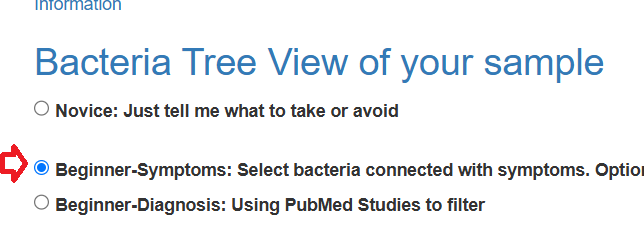
Biomesight
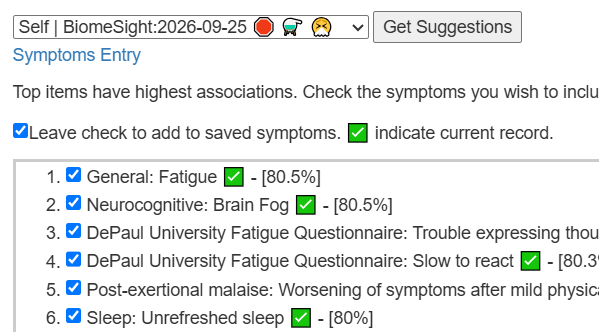
Biomesight-GG3
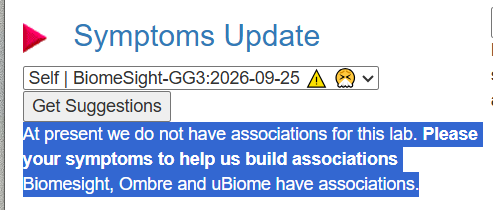
How to change your sample between the two
You will see something like this when you view your sample:
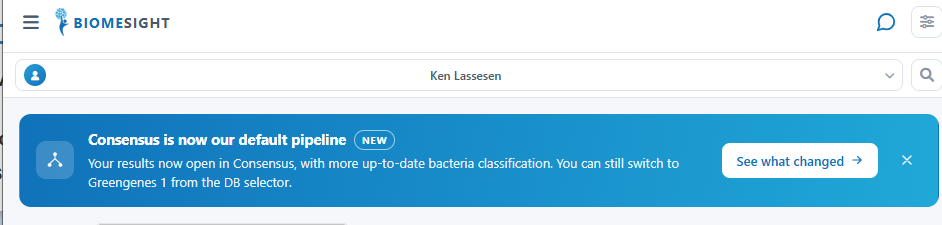
On the top right of the page you may see this (for newer kits)
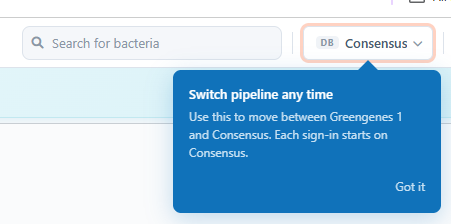
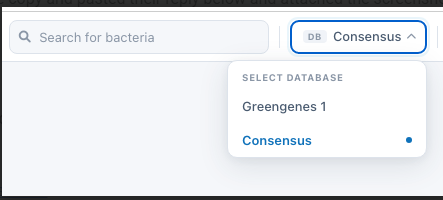
This will change the page to those done with Greengenes 1. UNFORTUNATELY, it will also show:

Biomesight does not track WHICH of the two versions has been sent.
You have to select (high light) the sample and then click send again (NOTE the light blue indicating selection)
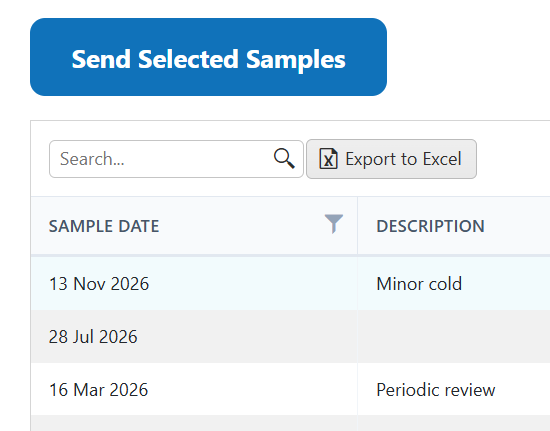
Then both will be transferred. My sample is shown below on Microbiome Prescription.

NOTE: Both have the same BiomesightId, Over the US Thanksgiving weekend I will amend the sight to automatically transfer symptoms between them.
Also, I hope Biomesight will do an automatic transfer of both reports in the future. It will allow us to build a symptom based suggestions engine for the consensus report sooner….