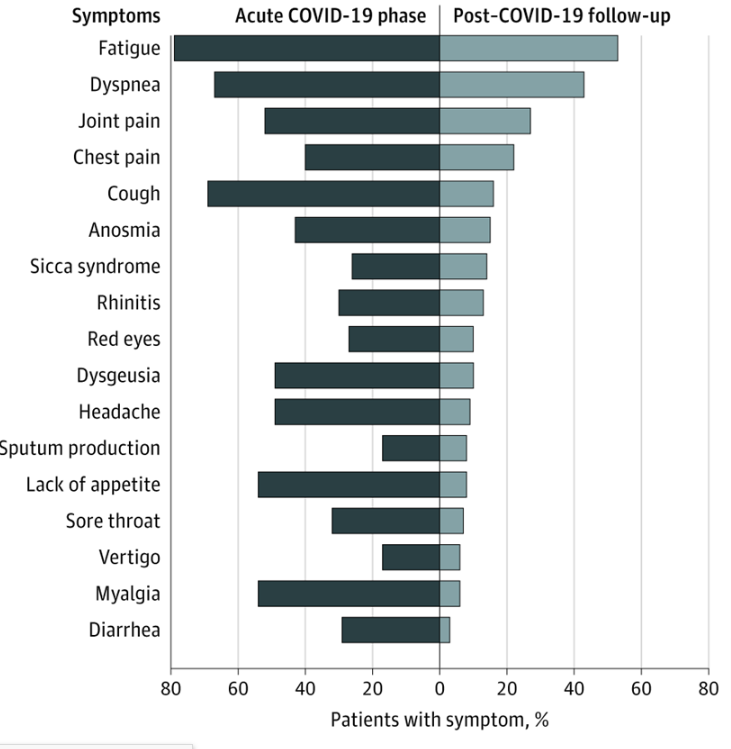
Most of the Post-Covid19 Syndrome symptoms has a strong match to the symptoms seen with Myalgic encephalomyelitis/chronic fatigue syndrome (ME/CFS). This condition has no conventional medical treatment known. Treatments attempt to mitigate symptoms.
There is evidence that some people develop a long-term fatigue syndrome from coronavirus infections, Dr. Anthony Fauci said Thursday.
“There may well be a post-viral syndrome associated with Covid-19,” Fauci told a news conference organized by the International AIDS Society. The group is holding a Covid-19 conference as an add-on to its every-other-year AIDS meeting.
Fauci said the symptoms resemble those seen in patients with myalgic encephalomyelitis, or ME, once known as chronic fatigue syndrome.
“If you look anecdotally, there is no question that there are a considerable number of individuals who have a post-viral syndrome that in many respects incapacitates them for weeks and weeks following so-called recovery,” Fauci said.CNN
I am very familiar with ME/CFS as anyone who knows my story can attest. And I believe that while the model of why these symptoms are there is simple, the treatment is complex, not cookbook and must be individualized for each person.
The Model
COVID19 sends out chemical signals to the body to produce chemicals (metabolites) that its need OR which create a friendlier environment for it. The signals alters the microbiome (gut bacteria) to be a factory for its needs (Viralforming the gut). Once COVID is eliminated, the alterations should return to the prior state overtime— unfortunately a percentage that take a long time or never return. The best documented example is the Bergen’s Giardia Infection.
“Gastrointestinal symptoms are common in patients with COVID-19, and had an increased prevalence in the later stage of the recent epidemic in China. SARS-CoV-2 enters gastrointestinal epithelial cells, and the faeces of COVID-19 patients are potentially infectious.”Review article: gastrointestinal features in COVID-19 and the possibility of faecal transmission
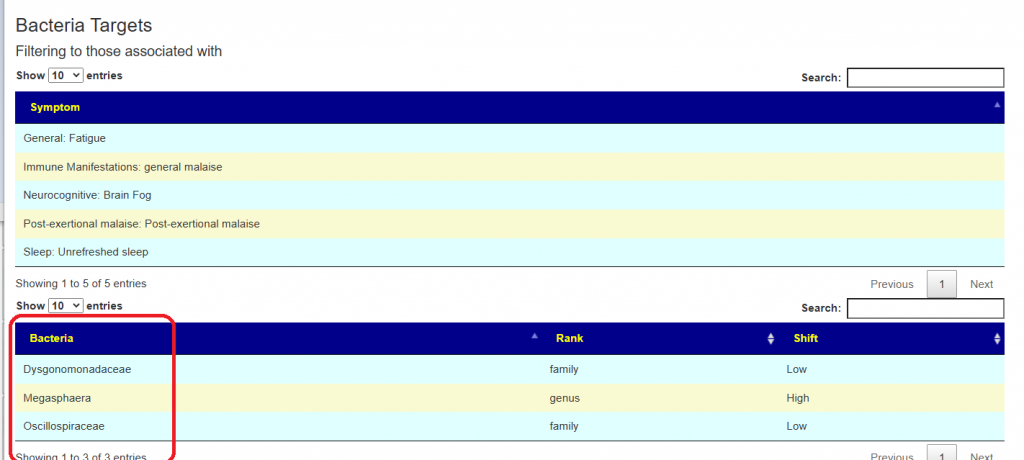
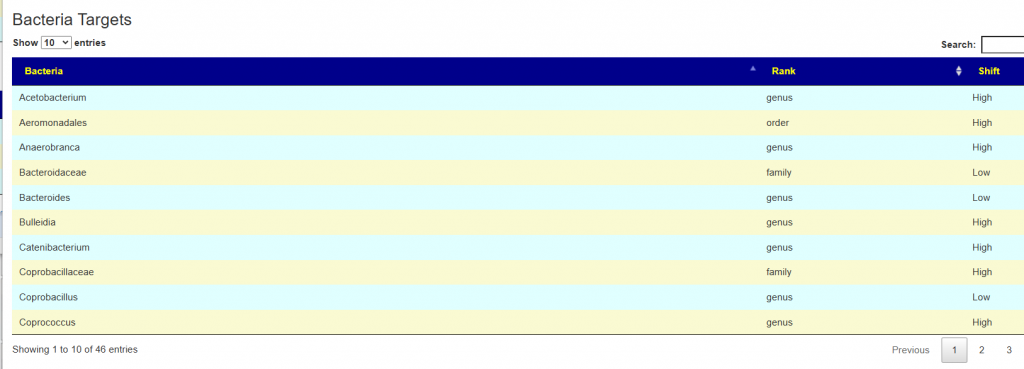
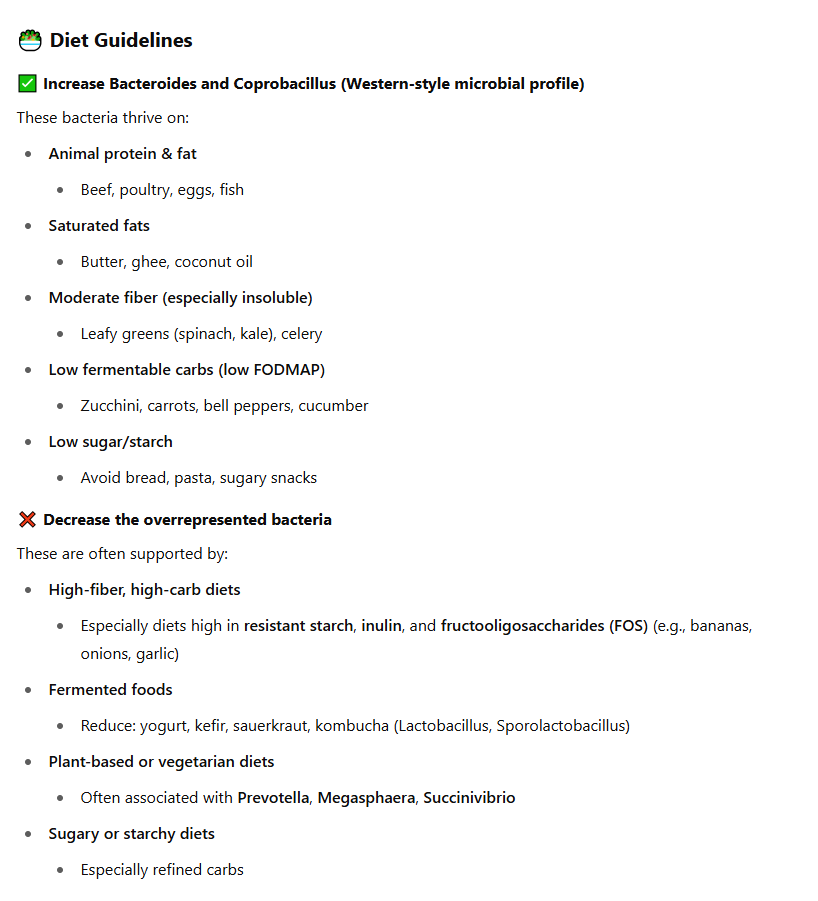
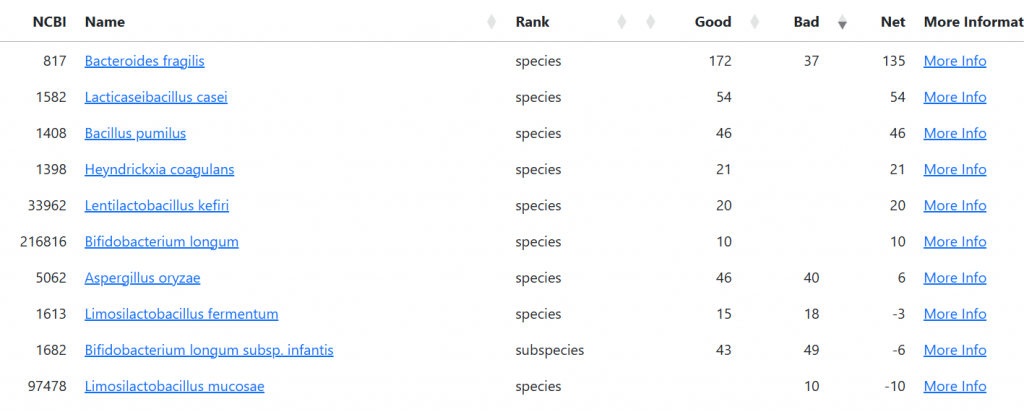
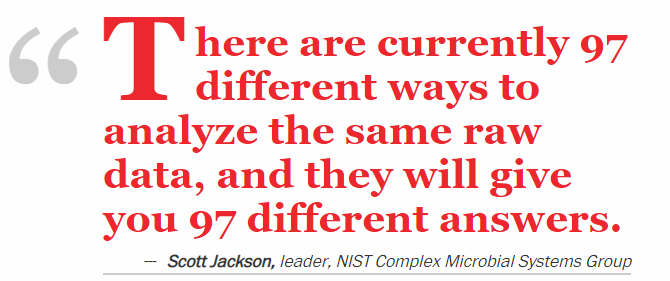
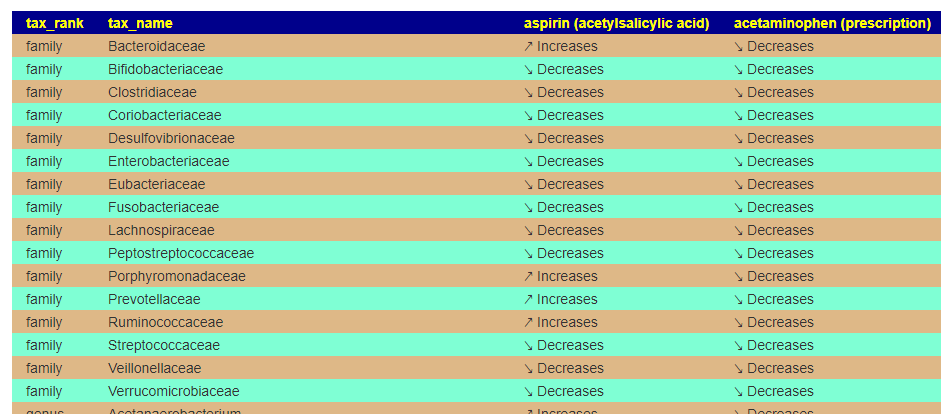
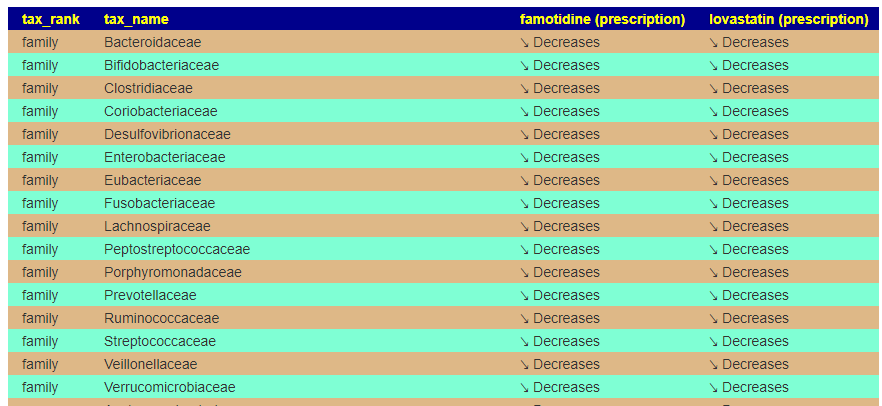
The microbiome consists of many co-operations between bacteria. Often there are over 2000 bacteria involved in various dialogs. Identifying the bacteria that are at abnormal (too high or low) is the start. The next step is modifying the bacteria by drugs, diet, supplements. At this point, we need to point out that there may be 100 or more abnormal bacteria that needs to be adjusted. Naive adjustments may make more bacteria abnormal.
My Proposed Process
This is the process that I have done with ME/CFS and it is likely that it may also work for many people with post-covid syndrome:
- Obtain a 16s analysis from an appropriate source
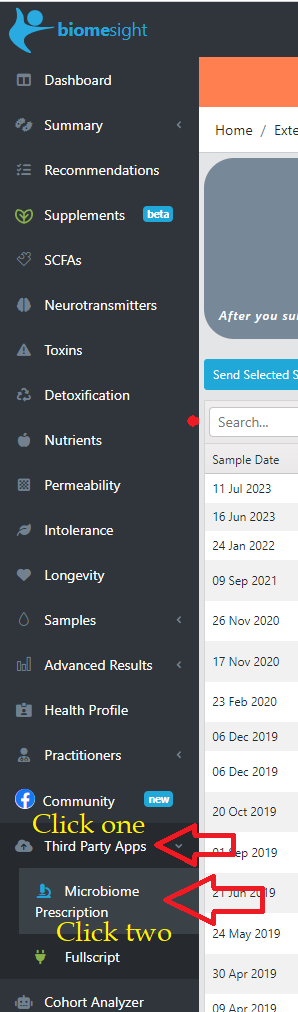
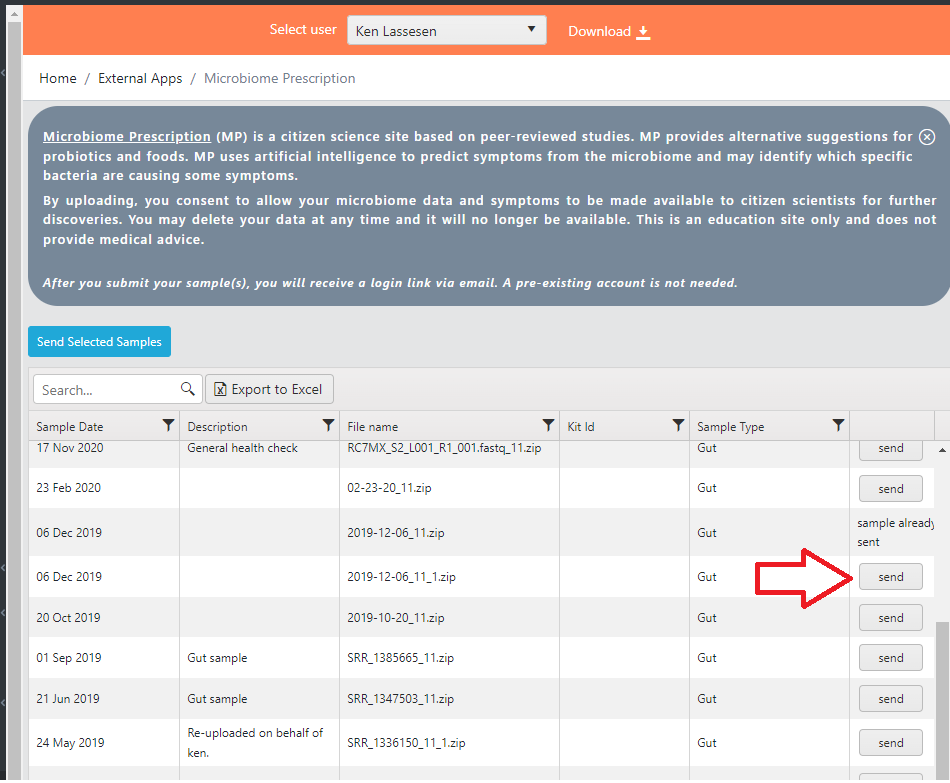
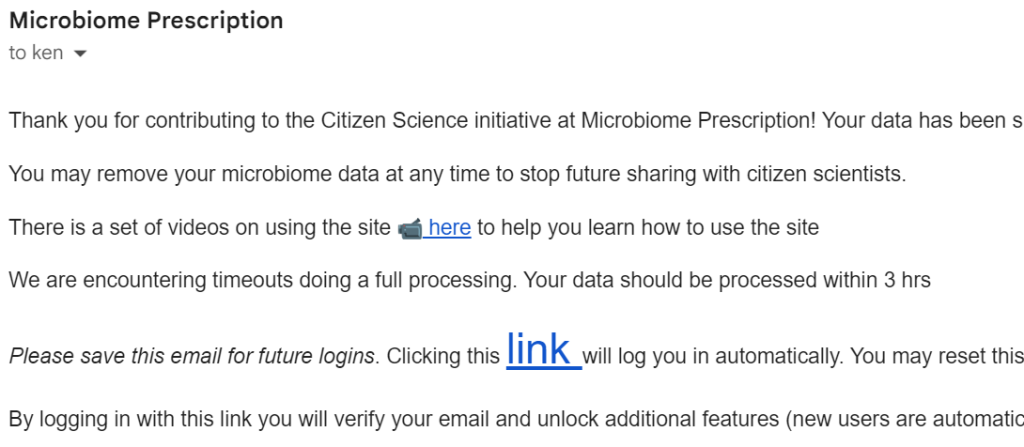
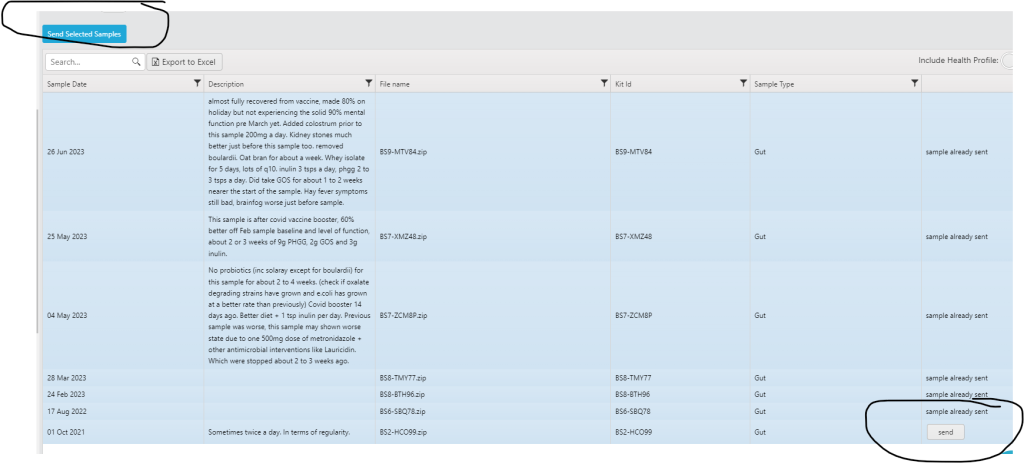
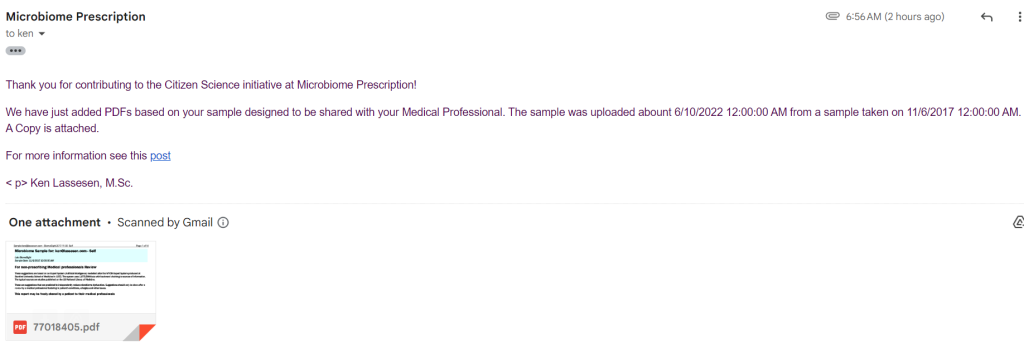
- “Appropriate” that the data can be downloaded from the lab and uploaded to http://microbiomeprescription.com/Upload/Index
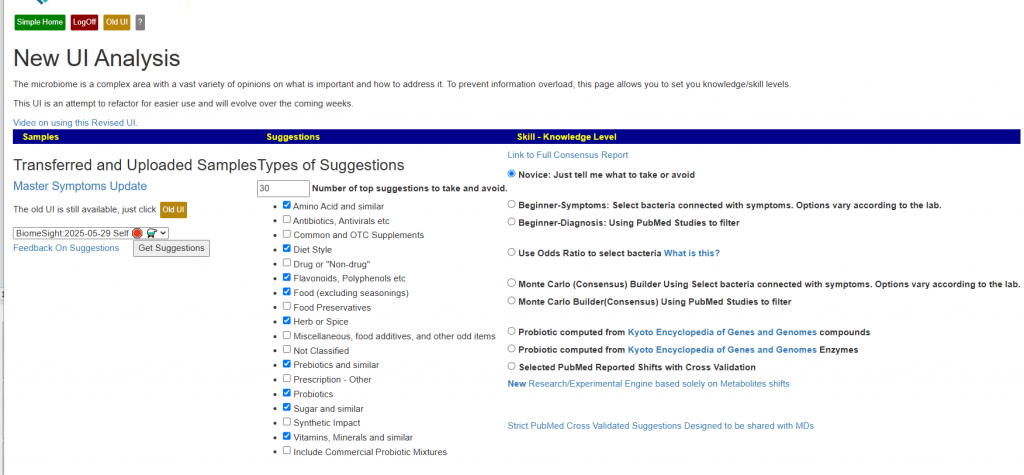
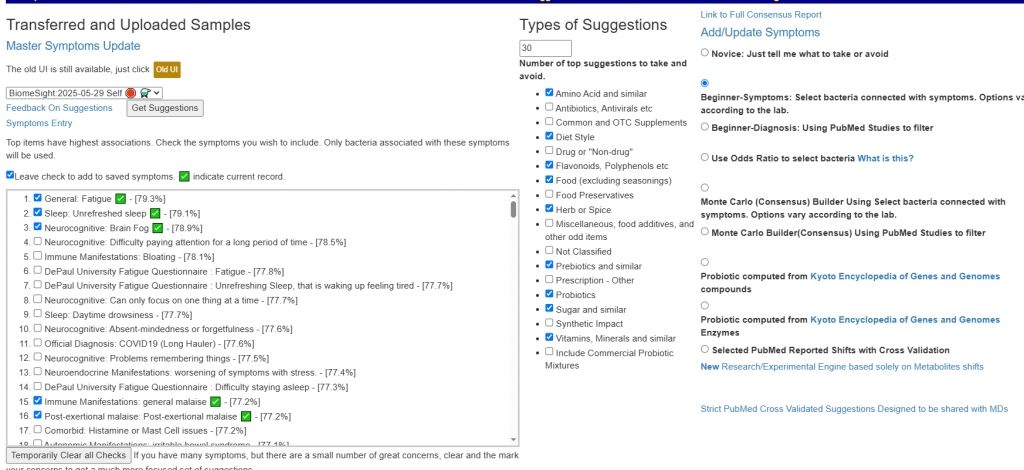
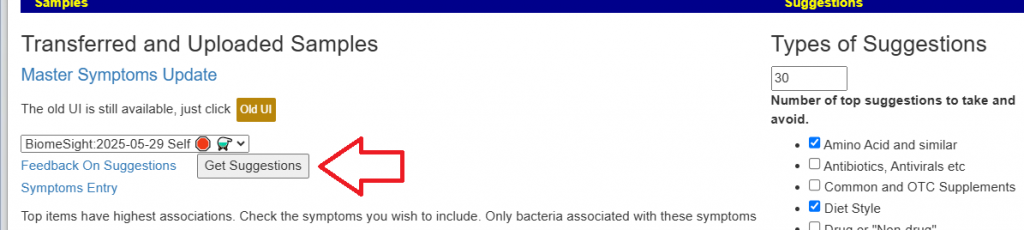
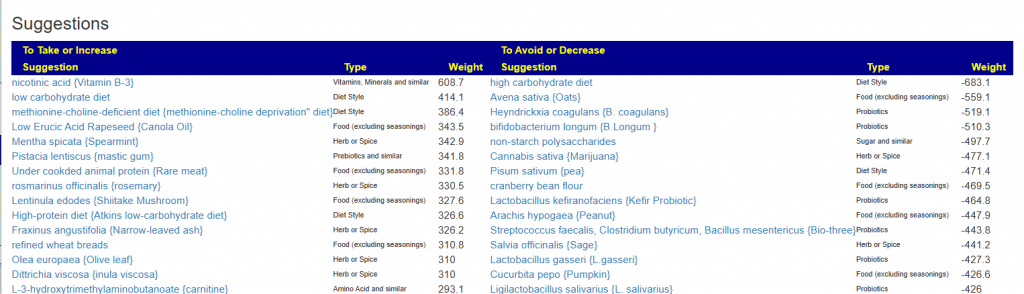
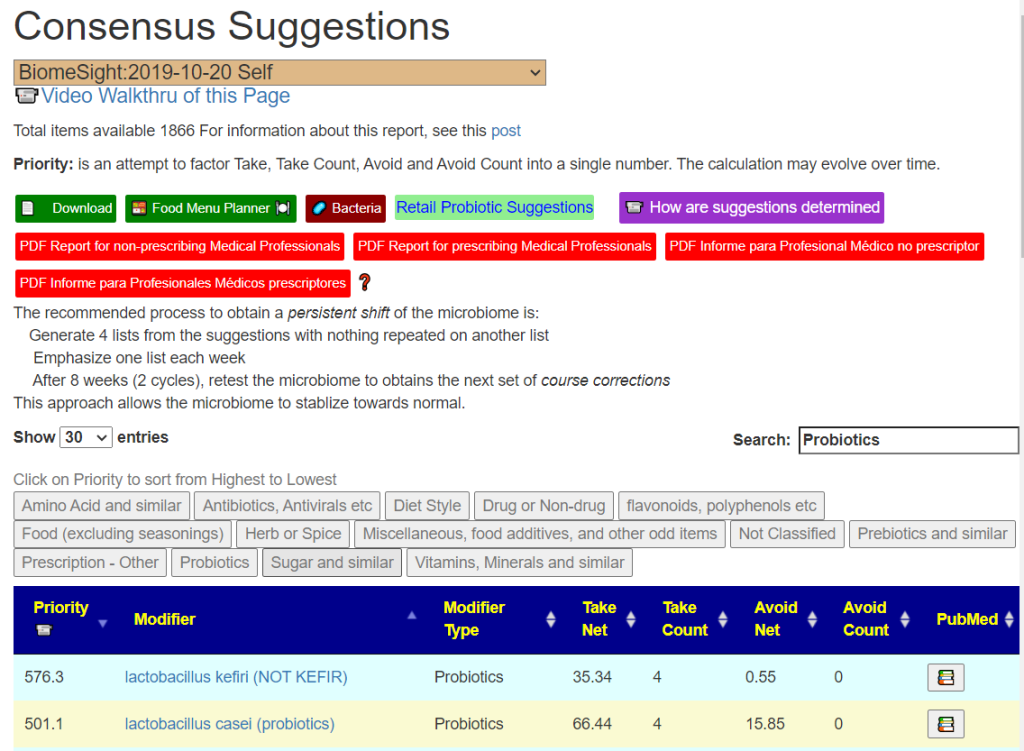
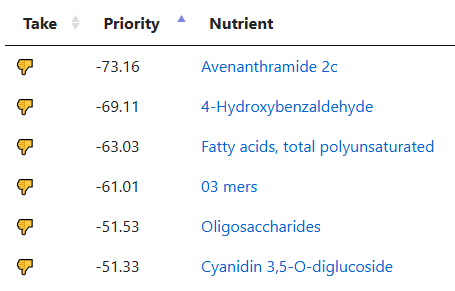
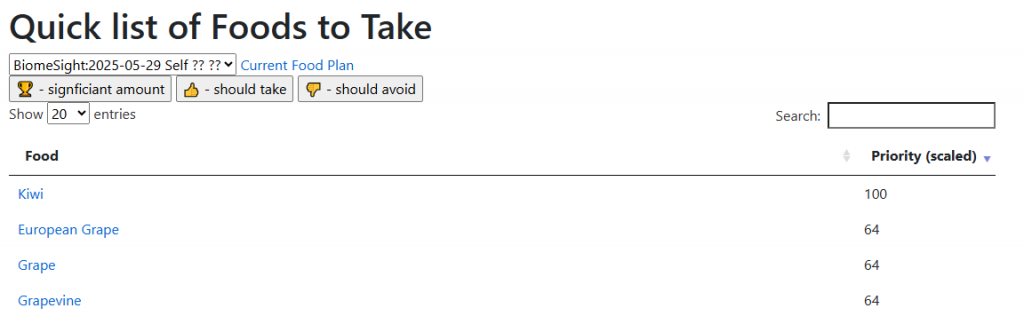
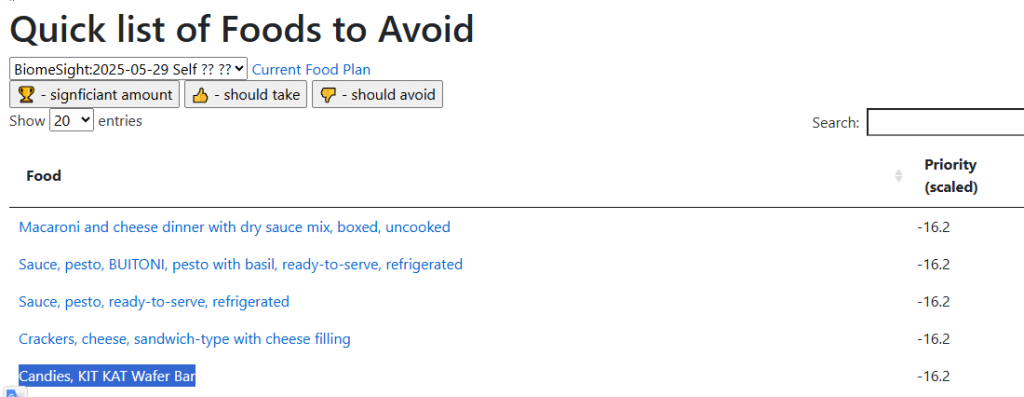
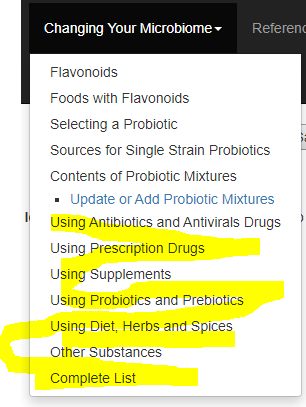
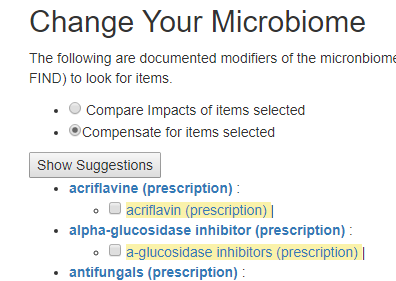
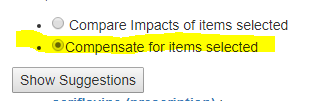
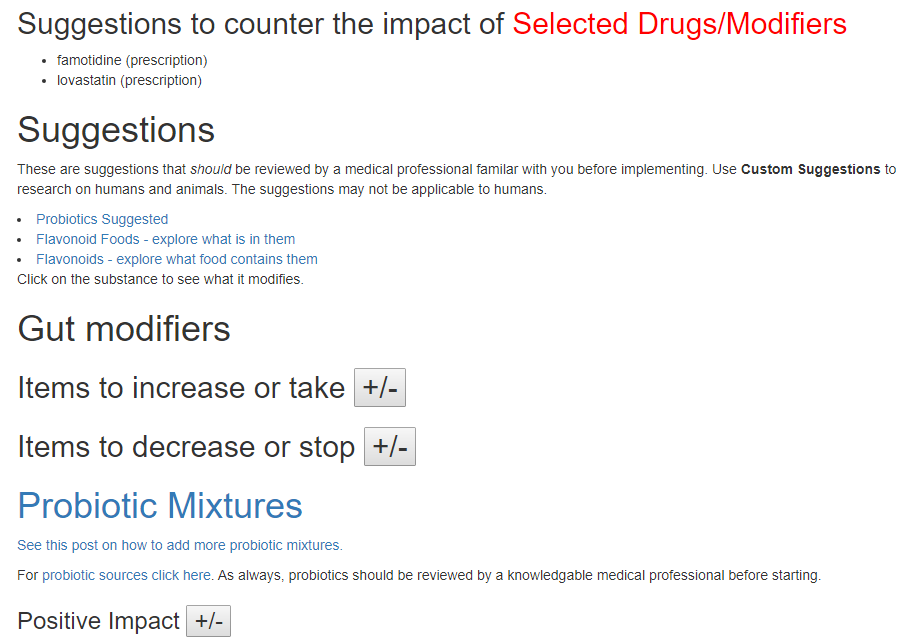
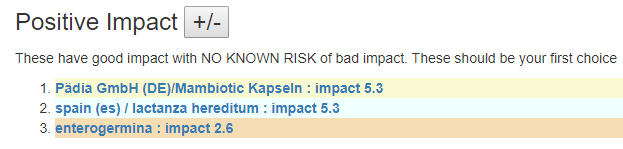
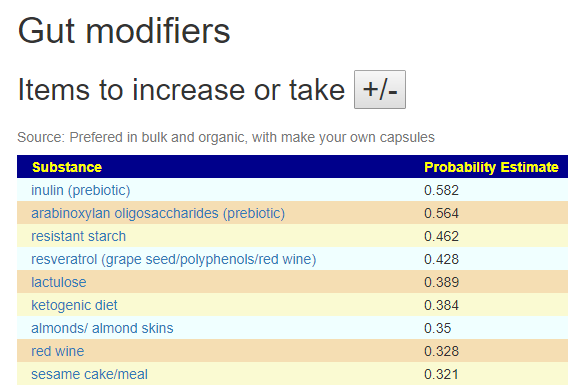
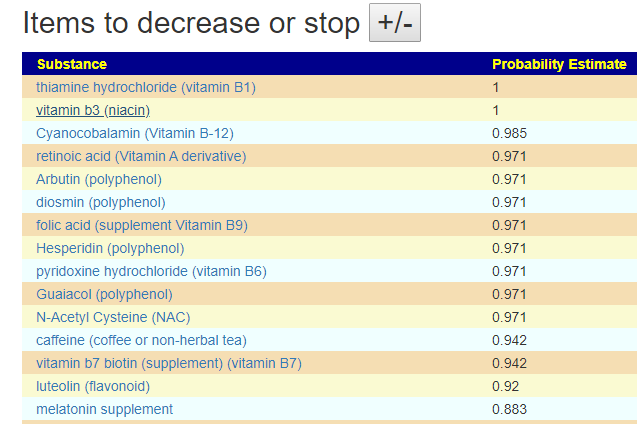
- Look at the suggestions for correcting and make appropriate changes
- Two+ weeks after making changes, repeat the 16s analysis and make the next set of changes.
This is an iterative process. Often the suggestions will cause one symptom to lessen or disappear while leaving others untouched. This is to be expected.
For more information, see
- A series of videos on manipulating the microbiome using 16s results for guidance
- MicrobiomePrescription Blog.
- CFS Remission Blog






Recent Comments